When Should a Business Switch Payroll Providers?
Most business owners will ask what date is the right time to switch payroll providers but there isn’t one set date date on the calendar.
Most business owners will ask what date is the right time to switch payroll providers but there isn’t one set date date on the calendar. The right time to switch payroll providers is when the current system is already costing the business money. That cost shows up as correction fees, hours spent fixing filings, or compliance exposure nobody has spotted yet. For accountants, that usually shows up in the client’s books well before the client says anything.
January 1 and the start of a quarter are the cleanest switch dates, and they’re worth aiming for. But “let’s wait for a clean date” has a way of turning into “let’s wait until next year,” and then the year after that. This guide covers the signs a client has outgrown its payroll provider and what a mid-year switch actually involves. It also explains why Q4 2026 carries more weight than a typical year-end.
Is There a Best Time to Switch Payroll Providers?
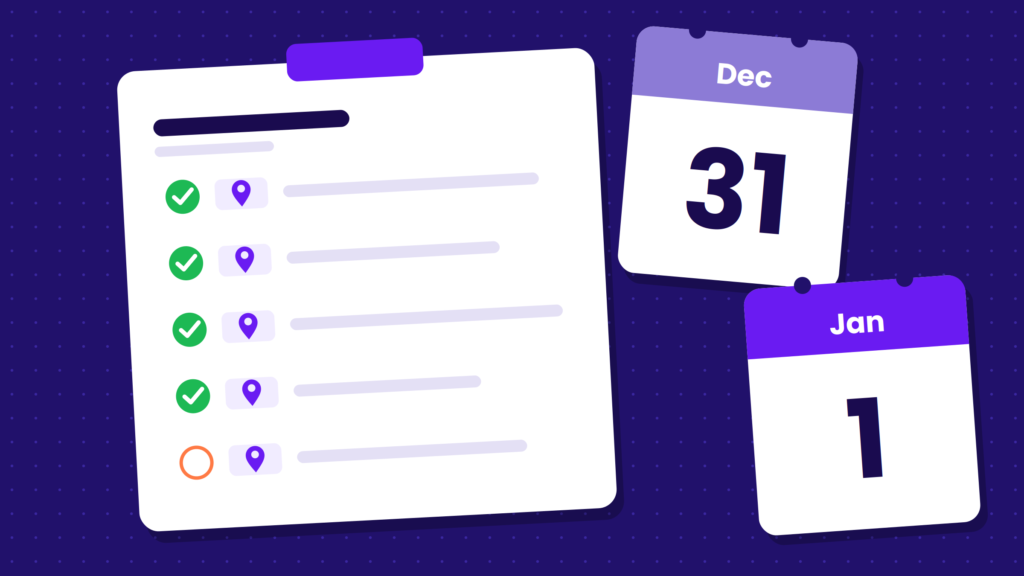
The cleanest time to switch payroll providers is the start of a calendar year, followed by the start of a quarter. A January 1 start means the new provider begins with no year-to-date wages to import. A quarter start keeps each Form 941 and state quarterly return with a single provider.
But cleanest doesn’t mean required or that it’s the only time to switch. Modern payroll platforms like Fingercheck import year-to-date payroll and tax data as a standard part of onboarding, so a mid-year switch is a data project, not a crisis. The real question isn’t “Is it January yet?” It’s “What does staying on this system cost between now and then?”
For a client with one location and mostly salaried staff, waiting a few months may cost close to nothing. But for a contractor running crews across three job sites and two states, every pay period on the wrong system adds rework to the client’s books and to your engagement.
What Waiting for a Clean Date Actually Costs
The cost of staying on a payroll system that doesn’t fit is rarely one big line item. It’s spread across the client’s books and your billable hours, which makes it easy to underestimate.
Here’s where it typically shows up:
- Corrections and amendments: Wrong state withholding, misclassified overtime, or missed local taxes lead to amended returns and penalty notices, and those notices usually land on your desk.
- Per-run fees: Many providers charge each time payroll runs which means a client that pays weekly gets billed four or five times a month.
- Manual workarounds: These include spreadsheets for time tracking and payroll, job costing rebuilt by hand after every pay period, and certified payroll reports retyped from pay stubs.
- Your time: Every hour spent untangling a client’s payroll is an hour you’re not billing for advisory work, or an hour you end up writing off.
Waiting one quarter for a clean date means 13 more weekly payroll runs carrying those costs. Walk a client through that math, and the clean date usually looks a lot less appealing.
4 Signs a Client Has Outgrown Their Payroll Provider
Payroll systems rarely fail all at once. They fail at the edges of a business’s growth: when crews spread out, when work crosses state lines, or when a new contract brings new compliance rules. These four signals are especially common among small businesses with hourly and field-based workforces:
1. Crews Are Spread Across Multiple Job Sites
When employees clock in at a different location every day, a basic payroll system starts to show cracks. Hours get reported on paper or by text, and supervisors approve time they never saw worked. Labor costs also land in one general bucket instead of being tracked by job.
In the books, this looks like job costing that won’t reconcile with payroll. Labor overruns get discovered only after a project closes, and hours run high for the work completed. Buddy punching and padded timesheets are also harder to catch when no supervisor is on site.
Fingercheck’s labor cost tracking automatically assigns GPS-verified time entries to the correct job codes. Geofenced mobile punch-in restricts clock-ins to a specific job site, and photo verification confirms the right employee is punching in.
2. Employees Work Across State Lines
Multi-state work is one of the fastest ways to outgrow a payroll provider. Once a crew crosses a state line, payroll has to apply different state income taxes, unemployment rates, and withholding rules. Sometimes that happens for the same employee in the same week.
In the books, look for three things: withholding that’s always booked to the home state, state registrations that lag behind where crews actually worked, and year-end reconciliation that drags on for weeks. Each one is a sign the system can’t allocate wages by work location on its own.
Fingercheck runs multi-state payroll with same-pay-cycle tax calculation, allocating withholdings and filings to the states where employees actually worked, all within a single pay run. Our multi-state payroll guide covers the compliance details.
3. The Client Has Won Public Works Contracts
A client that starts winning government-funded construction work takes on new payroll requirements. Federal and federally assisted construction contracts over $2,000 are covered by the Davis-Bacon and Related Acts. These laws require contractors to pay prevailing wages and submit weekly certified payroll reports, typically on the Department of Labor’s Form WH-347.
Some payroll systems can’t apply prevailing wage rates by worker and job site. In that case, someone has to build those reports by hand every week which can lead to errors, contract payment holds and back-wage liability.
Fingercheck generates certified payroll as compliant WH-347 and NYC Certified Payroll Report PDFs, pre-filled from payroll data. Prevailing wage rates are set by worker and job site, so the right rate applies to the right hours without anyone rebuilding reports by hand.
4. Headcount Has Outgrown the Original Setup
A payroll setup that worked for eight employees often breaks at 40. The signs are subtle at first: Onboarding paperwork piles up, overtime policies get applied inconsistently, and the office manager loses a full day to every payroll run.
Growth also changes what the system has to handle, including shift differentials, multiple pay rates, more overtime, and seasonal hiring spikes. If the provider charges extra for each of those, payroll costs climb faster than headcount. Bickmore Construction, a 17-employee contractor, switched to Fingercheck after its previous provider wouldn’t explain its per-employee charges and now saves $500 a month.
| Signal | What it looks like in the books | What the payroll system needs |
|---|---|---|
| Crews on multiple job sites | Job costing doesn’t reconcile with payroll; hours run high | GPS time tracking that flows into payroll and job codes |
| Work across state lines | Withholding booked only to the home state; slow year-end reconciliation | Multi-state tax calculation within the same pay cycle |
| Public works contracts | Certified payroll built by hand; prevailing wage errors | Prevailing wage by worker and job site; WH-347 generated from payroll data |
| Headcount growth | Long payroll runs; inconsistent overtime; rising add-on fees | Automated overtime rules, digital onboarding, pricing that doesn’t climb with every run |
What a Mid-Year Payroll Switch Actually Involves
A mid-year switch comes down to one thing: getting accurate year-to-date data into the new system so quarterly filings and W-2s reconcile.
The process generally looks like this:
- Gather year-to-date records: These include employee data, wage and tax history, deductions, and any quarterly filings already submitted for the year.
- Pick the go-live date: A quarter start keeps each Form 941 with one provider. A mid-quarter go-live works too, but quarter-to-date data has to be imported so that quarter’s filings reconcile.
- Configure and validate: Pay rates, overtime rules, deductions, tax jurisdictions, and job codes get set up, then checked against the old system’s numbers.
- Confirm who files what: Get it in writing which provider files the current quarter’s 941, the state returns, and the year’s W-2s. Typically, the provider on file at year-end produces the W-2s using the imported year-to-date data.
- Run the first payroll with support on hand: The first live run is where small setup errors surface, so it shouldn’t happen without backup.
Most clients complete our Setup Assistant in about 6 days, then Fingercheck implementation typically takes:
| Implementation type | Who it fits | Typical timeline |
|---|---|---|
| Basic | New business with no year-to-date wages | 30 days or less |
| Standard | Existing business importing YTD payroll and tax data | 6 weeks or less |
| Complex | 150+ employees and/or complex configuration | 14 weeks or less |
Each client works with a dedicated Implementation Specialist from kickoff through the first payroll run. We also confirm which timeline applies before anything is signed.
When Staying With the Current Provider Still Makes Sense
Not every client needs to switch, and recommending a move that doesn’t pay off costs you credibility. Staying put can be the right call in these four situations:
- The workforce is simple. The client has one location, one state, mostly salaried staff, and few compliance surprises.
- The problem is process, not software. If errors trace back to late timesheets or unclear pay policies, a new system won’t fix them.
- A major change is weeks away. A sale, merger, or restructuring is already a heavy lift, and switching payroll in the middle of one adds risk.
- The client is mid-audit or resolving a tax notice. Finish that work with the records and provider involved, then reassess.
If none of those apply and the signs above sound familiar, the client is probably already paying to stay.
Why Q4 2026 Raises the Stakes
This year-end comes with an extra deadline. Under the One Big Beautiful Bill Act, tax year 2026 W-2s (the ones going out in January 2027) must report qualified overtime compensation in Box 12 using Code TT. Employees can deduct up to $12,500 in qualified overtime ($25,000 for joint filers), subject to an income phaseout.
The IRS raised the stakes in August. Under its updated guidance in Fact Sheet FS-2026-13, employees can generally deduct only the qualified overtime actually reported in Code TT. If that amount is wrong, the employer must issue a corrected Form W-2c. In other words, a payroll error becomes the employee’s lost deduction and the employer’s cleanup project.
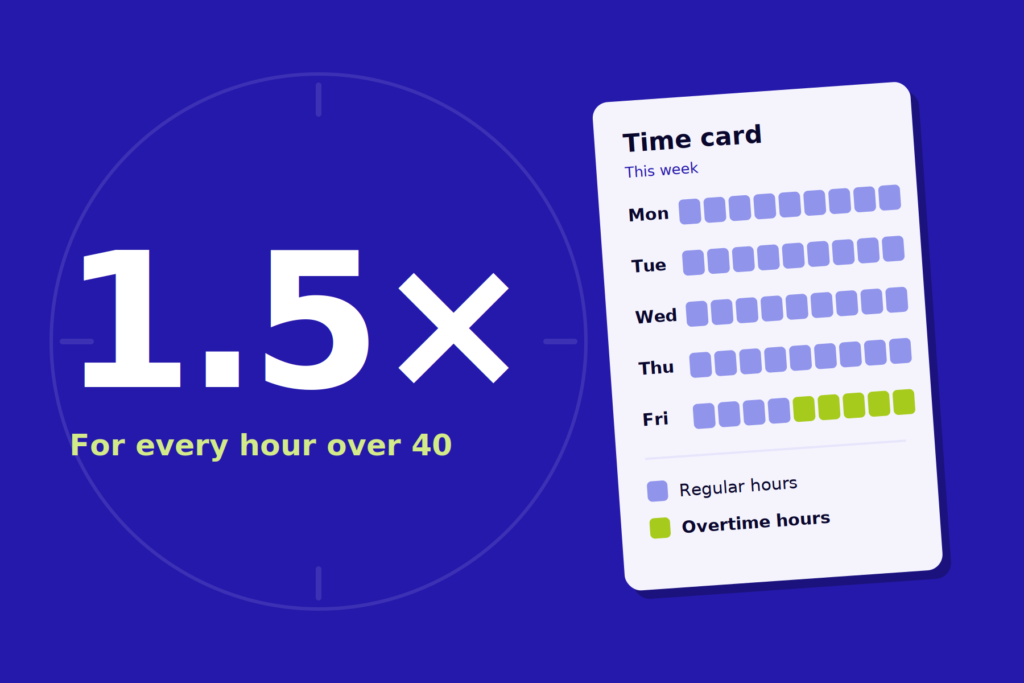
Reporting it correctly requires a payroll system that separates the FLSA overtime premium from other overtime, such as overtime required only by state law. The system also has to track that premium every pay period. If a client’s current provider can’t confirm Code TT reporting is live, that’s reason enough to start the conversation now. Our guide to how overtime is reported on the W-2 walks through the details, including why the premium has to be tracked from January 1 rather than rebuilt at year-end.
The calendar matters, too. For clients who want to start January on a new system:
- Standard implementations take six weeks or less, so kickoff by mid-November keeps a January start realistic.
- Complex implementations can take up to 14 weeks, so those clients should start the conversation today.
If a client switches during Q4 rather than on January 1, the new provider will typically produce the 2026 W-2s from imported data. Confirm that the imported year-to-date figures break out the overtime premium separately, not just total overtime pay, so Code TT is correct.
The Right Time to Switch Is When the Current System Is Costing You
There’s no perfect date to switch payroll providers, but there is a right one: the point where staying costs more than moving. For clients with crews on multiple job sites, working across state lines, certified payroll obligations, or a headcount that’s outgrown the original setup, that point has already passed.
As their accountant, you’re often the first to see it. Bring the numbers to the conversation, set a realistic go-live date, and use Q4 to get clients onto a system that’s ready for 2026 W-2s and everything after.
No perfect time. Just the right one.
Bring client payroll onto one platform built for hourly and field-based workforces.
Switching payroll providers FAQs
Ready to find out how easy a switch could be? See why businesses switch to Fingercheck.